KeyAlarm: Calendar Event Alarm — Never miss what mattersDon't let your plans
end as a notification.
When a calendar event contains your keyword, KeyAlarm alerts you with a real alarm, just like the Clock app. It rings on Silent mode and in Focus, and keeps ringing until you stop it.


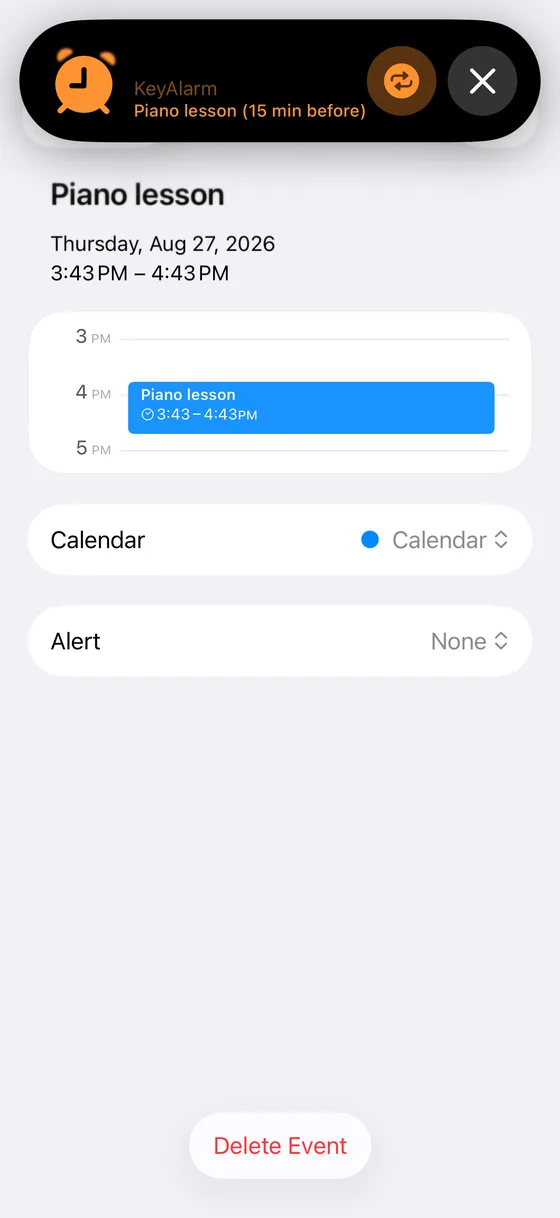
Calendar notifications are easy to miss
- Silent on Silent mode
- Sounds once, then the banner disappears
- May be hidden during Focus
 A KeyAlarm alarm
- Rings on Silent mode
- Keeps ringing until you stop it
- Rings during Focus
Set it once. Your calendar does the rest.
Keep adding events to your calendar as usual. KeyAlarm finds the ones with your keywords and sets the alarms automatically.
Reads your calendar
KeyAlarm reads the events in your iPhone calendar. Works with iCloud, Google, Outlook and Exchange calendars.
Add a keyword
Enter words like "Piano", "Dentist" or "Standup" and choose how many minutes before to ring. Add several lead times per keyword — 30 minutes to get ready, 5 minutes to leave.
Alarms follow your schedule
New events and time changes are picked up automatically. On the day, the alarm rings just like a Clock app alarm.

Made for moments like these
Picking up the kids
Add "Piano" or "Swimming" and never miss pickup time, even in the middle of work or chores.
Lesson pickup guide →Meetings you can't miss
"Standup", "1:1" and more. Even with notifications silenced by Focus, you'll notice before it starts.
When notifications get missed →Doctor and dentist visits
Book the dentist months ahead, put it in your calendar, and the alarm rings on the day.
Ring on Silent mode →Pricing
Every feature, no limits. You will never be charged automatically when the trial ends.
Privacy
Your calendar is personal. KeyAlarm reads your events only on your iPhone.
- ✓Your events and personal data never leave your iPhone
- ✓No account
- ✓Your calendar is read only on your iPhone
Reading
FAQ
Does it really ring on Silent mode?
Yes. KeyAlarm uses AlarmKit in iOS 26 to create alarms that are treated like Clock app alarms. They ring with the Silent switch on and during Focus, and keep ringing until you stop them.
Does it work with Google Calendar?
Yes. Any calendar that appears in the iPhone Calendar app works, including iCloud, Google, Outlook and Exchange. Add the account in iPhone Settings.
Which devices are supported?
iPhone and iPad with iOS 26 or later, because AlarmKit was introduced in iOS 26.
What happens after the free trial?
All features are free for 30 days. To keep using KeyAlarm, make a single in-app purchase. It is not a subscription.
For to-dos, there is MustDo
A to-do alarm that rings until it is done. Add a to-do and a time; a real alarm rings until you stop it, and snoozes until you do it. Same AlarmKit, same Lightning LLC.
See MustDo →
Simple GPS Speedometer
Just the speedometer. Made beautiful. No maps · No ads · No account or sign-in
About Rosso →Never miss another plan.
Register a keyword once.
Try it free for 30 days.
Free for 30 days · then a one-time purchase (no subscription) · iOS 26 or later