
Simple GPS SpeedometerRossoSpeedometer
Just the speedometer. Made beautiful.
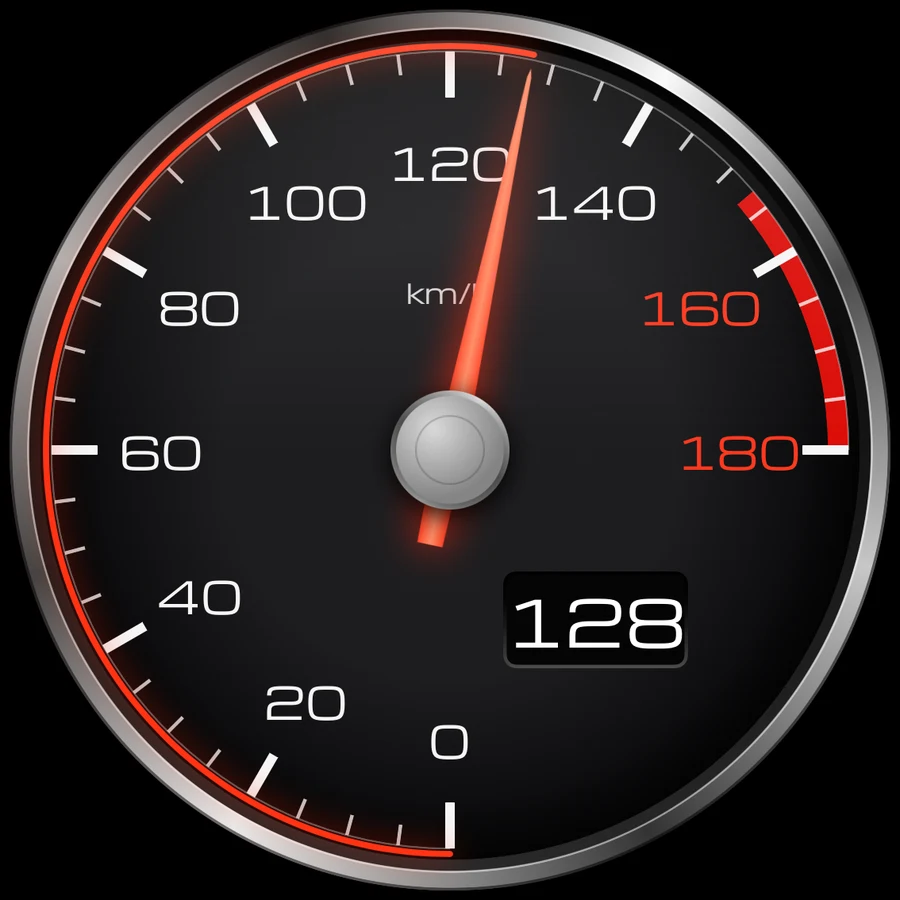
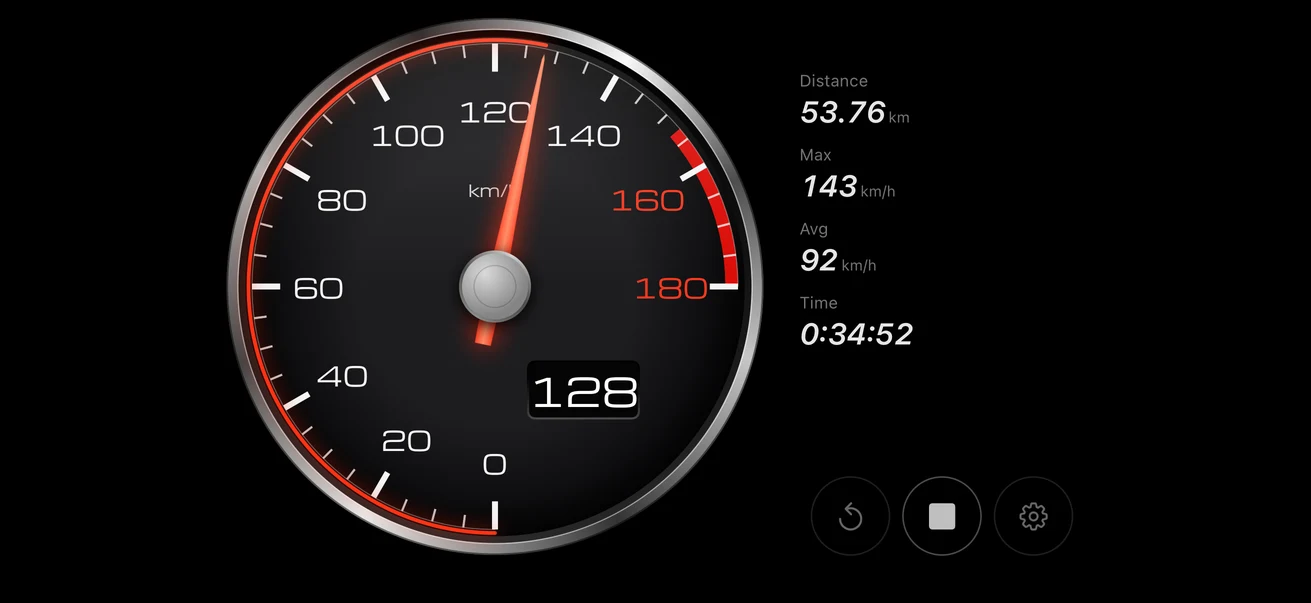
Rosso is a GPS speedometer and nothing else: one finely drawn analog gauge on a pure black screen. No maps, no ads, no account, no trip history. Open it, and your speed is there.
iPhone · iOS 17 or later · The first 10 minutes are free

At a glance
- Developer
- Lightning LLC
- Devices
- iPhone · iOS 17.0+
- Languages
- 29
- Pricing
- The first 10 minutes are free
After that, it’s free for up to 30 seconds a day, and a one-time purchase lets you use it forever. No subscription. - First released
- 2026-10
- Latest version
- 1.1.1 (2026-11)
Only the speedometer.
Most speed apps grow maps, logs and sign-ups. Rosso stays a speedometer.
- No maps
- No ads
- No account or sign-in
- No trip logs or history
- No analytics
- No subscription
Three dials
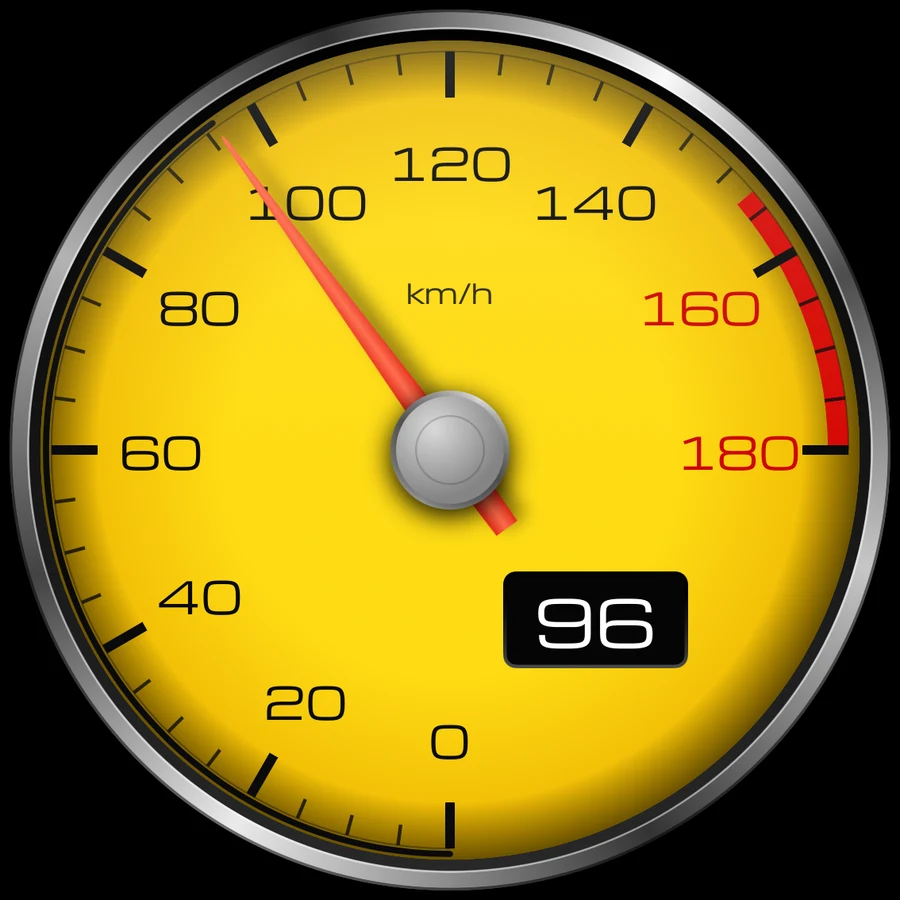
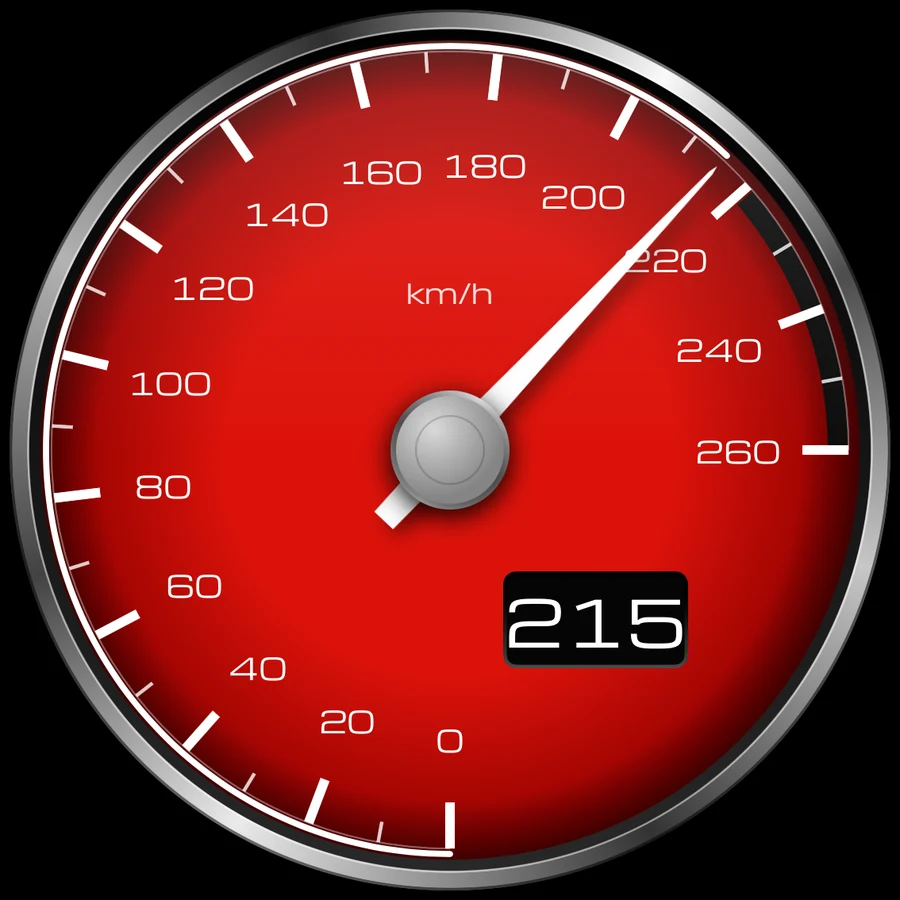
Black, yellow or red. Same gauge, your color.
What it shows
Speed by GPS
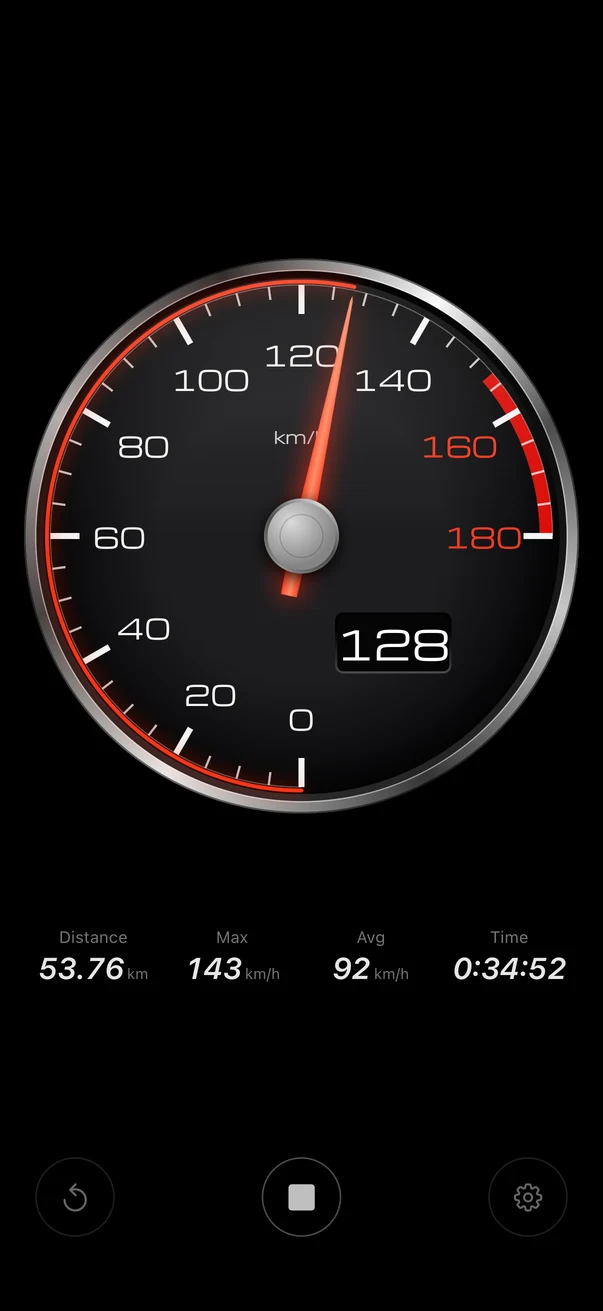
Your current speed on the needle and in digits. No wiring, no setup.
Trip numbers
Distance, top speed, average speed and elapsed time, always in view.
mph or km/h
Five scales, from 25 mph (40 km/h) for bikes and boats to 220 mph (340 km/h) for high-speed trains.
Portrait and landscape
Mount your iPhone either way. The gauge fills the screen.
Keeps measuring
Works in the background and with the screen locked, alongside your navigation or music.
Auto Power Off
Stay stopped for 5, 10 or 30 minutes and GPS turns itself off, so a forgotten session doesn't drain your battery.
Private by design
No account, no ads, no analytics. Your location never leaves your device, and no trip history is kept.
The first 10 minutes are free
After that, it’s free for up to 30 seconds a day, and a one-time purchase lets you use it forever. No subscription.
Questions
Do I need an account?
No. There is no account and no sign-in. Your location never leaves your iPhone, and no trip history is kept.
Can I use it in the car?
Mount your iPhone and start Rosso before you set off. If you are driving, do not operate the app or look at the screen; check your speed on the vehicle's speedometer and obey traffic laws. Passengers can enjoy the gauge.
How accurate is the speed?
It is a GPS-based reference value. It is steady under open sky, can jump between tall buildings or under trees, and may stop updating in tunnels and underground.
Can it show mph?
Yes. Switch between mph and km/h. There are five scales, from 25 mph to 220 mph (40 to 340 km/h).
Will it drain my battery?
GPS and a lit screen use power. Auto Power Off turns GPS off after you stay stopped for 5, 10 or 30 minutes, so a forgotten session doesn't keep running.
How much does it cost?
The first 10 minutes are free. After that, it’s free for up to 30 seconds a day, and a one-time purchase lets you use it forever. There is no subscription. The App Store shows the price for your country.
Which devices are supported?
iPhone with iOS 17 or later, in portrait and landscape.
Guides for speedometer fans
Practical notes on GPS speed, units and using a speedometer app safely.
How to Check the Speed of Your Train with Your Phone
Your iPhone's GPS can show how fast your train is going. Where to sit, why the number stops in tunnels, and how far to trust it.
How to Measure Your Bike Speed with Your Phone
You don't need a cycle computer to see your speed. How to use your iPhone's GPS on a bike, what to set up before you ride, and how far to trust the number.
How to Choose a Simple Speedometer App for iPhone
Just want your speed, with no map, ads or trip log? A checklist for picking a simple GPS speedometer app on iPhone, including how to read the privacy label.
km/h, mph, Knots and m/s: Speed Conversion Chart
Exact formulas and a quick chart for converting km/h, mph, knots and m/s, based on NIST definitions, plus how to turn speed into running pace (min/km).
More apps from Lightning LLC
KeyAlarm
Turns calendar events into alarms that ring until you stop them.
MustDo
A To-Do alarm that rings until it's done.
Aiyori
An education platform that brings teachers, students and families together. Free for 30 days.
Where the name comes from: “Blue comes from the indigo plant, yet is bluer than indigo.” — Xunzi, “An Exhortation to Learning”